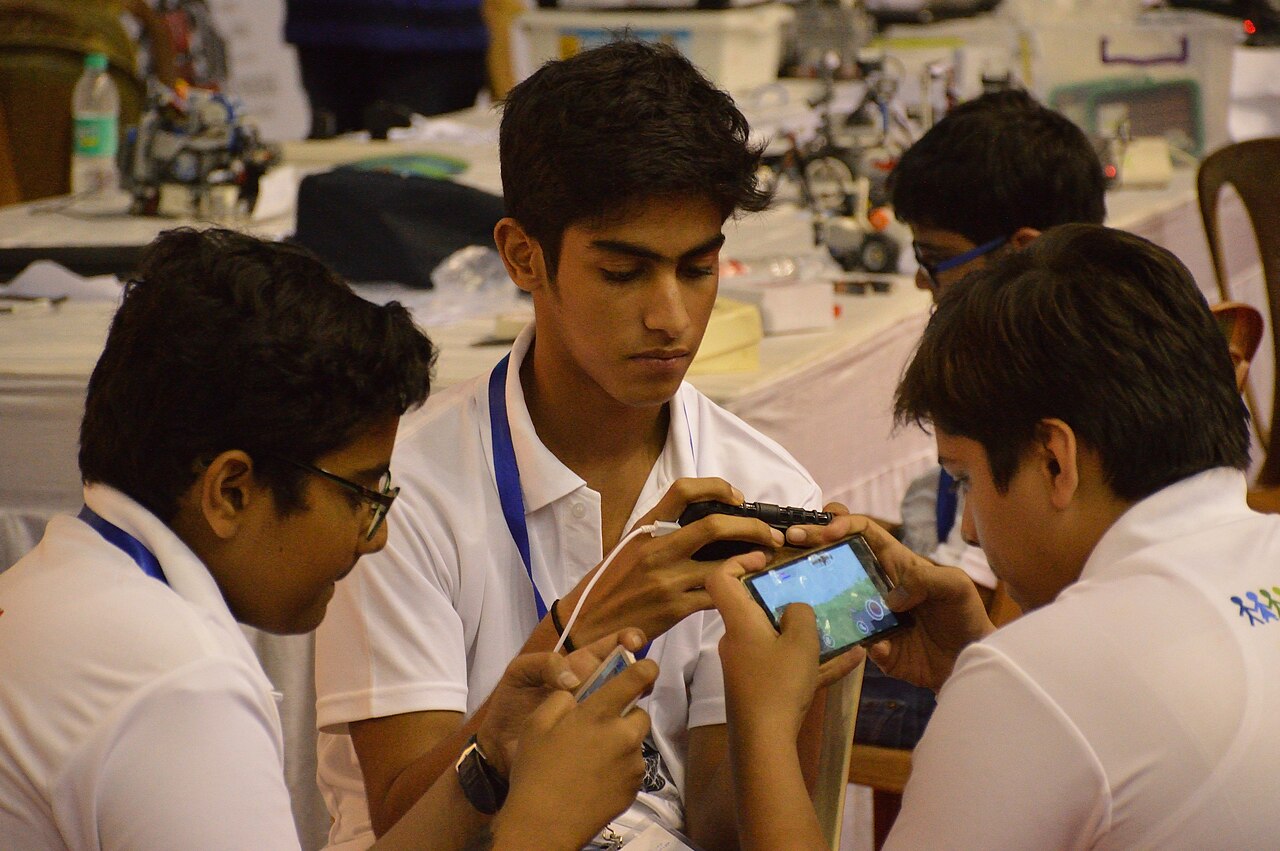
You walk past your child's room. The NCERT book is open, but so is ChatGPT. The homework is finished in ten minutes. Should you be pleased or worried?
Many Indian parents are asking this now. AI chatbots are on every phone, and Google searches like "chatgpt for students free india" show how many families are looking into it. Even the Union Education Minister has raised it: in September 2026, Pralhad Joshi urged NCERT to study how children's growing use of AI affects learning and creativity, and to make parents more aware of the risks of too much phone use.
The short answer: ChatGPT is neither good nor bad by itself. How your child uses it decides whether it builds understanding or skips it. This guide shows you how to tell the difference and what you can set up at home this week.
Why ChatGPT is suddenly everywhere in Indian homes
Part of the reason is cost. In late 2025, OpenAI offered its paid ChatGPT Go plan free for one year to users in India who signed up during a promotional period starting 4 November 2025, as TechCrunch reported. The same report quotes Sam Altman saying India is OpenAI's second-largest market.
One thing to clear up: the "4 months free ChatGPT Plus for students" offer you may see online is, according to OpenAI's own help page, for college students at eligible US institutions. It is not a school-student offer for India. So you do not need to pay for anything to start these conversations with your child.
Helping or cheating? How to tell
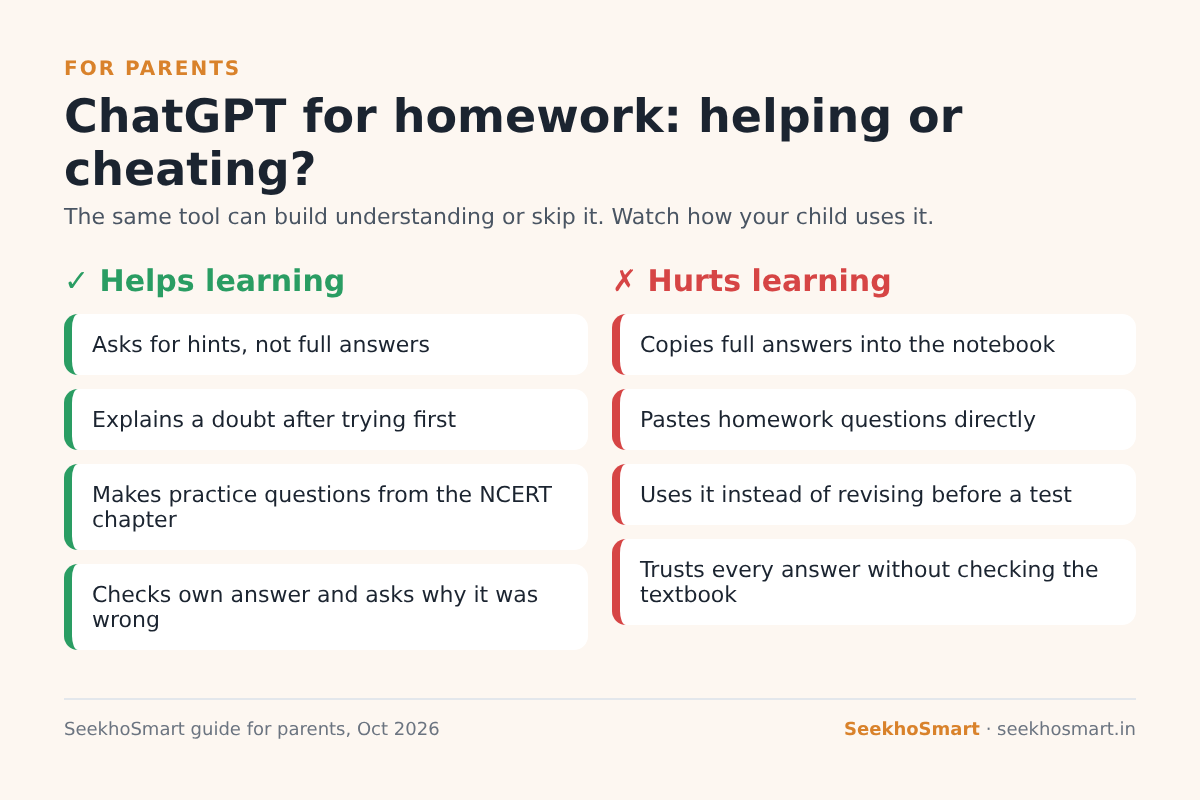
Look at the order of steps, not just the tool.
It is helping when your child:
- Tries the question first, gets stuck, and then asks for a hint.
- Asks "explain this like I'm in Class 9" about a topic the teacher rushed through.
- Asks it to make practice questions from an NCERT chapter and then answers them without help.
- Writes their own answer and asks, "What is wrong with my method?"
It is hurting when your child:
- Pastes the whole homework question and copies the answer into the notebook.
- Uses it instead of revising before a unit test.
- Trusts every answer without checking the NCERT book. Chatbots can sound sure and still be wrong.
A quick test you can do: ask your child to explain one homework answer to you, without the screen. If they can, they learned it. If they cannot, the chatbot did the homework, not them.
Three settings worth turning on
1. Study mode
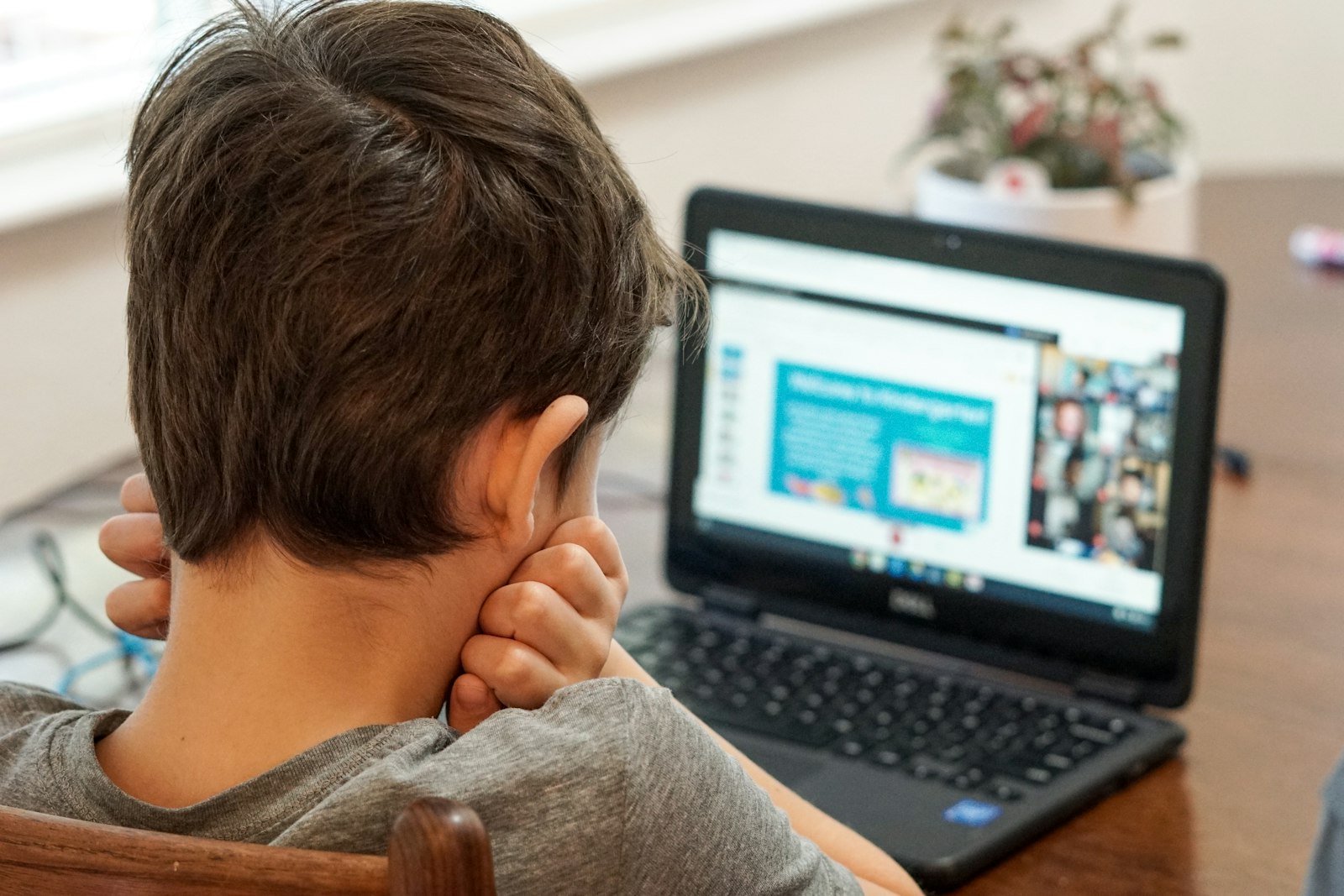
ChatGPT has a study mode that guides students step by step with questions and hints instead of handing over the final answer. OpenAI says it is available on the free plan for logged-in users. To use it, choose "Study and learn" from the tools menu before asking a question.
Sit with your child the first time and turn it on together. Explain why: "I want you to use it like a tutor, not like an answer key."
2. Parental controls
If your teen uses ChatGPT, you can link your account to theirs. As per OpenAI's parental controls guide:
- Open Settings → Parental controls → Add family member.
- Enter your teen's phone number or email and send the invite.
- Your teen accepts the invite from the link they receive.
Once linked, you can set quiet hours (times when ChatGPT cannot be used, for example after 10 PM or during school hours), and switch off features like voice mode or image generation if you prefer. Important: you will not see your child's chats. The controls manage access, not content. Either of you can unlink, and you get notified if your teen does.
3. Phone-free study blocks
No setting replaces a simple house rule. Many families use a 45-minute "book first" block: textbook and notebook only, phone outside the room. AI is allowed after that, only for doubts the child has already tried to solve.
A 15-minute conversation to have this week
Do not start with "Are you cheating?" Start with curiosity:
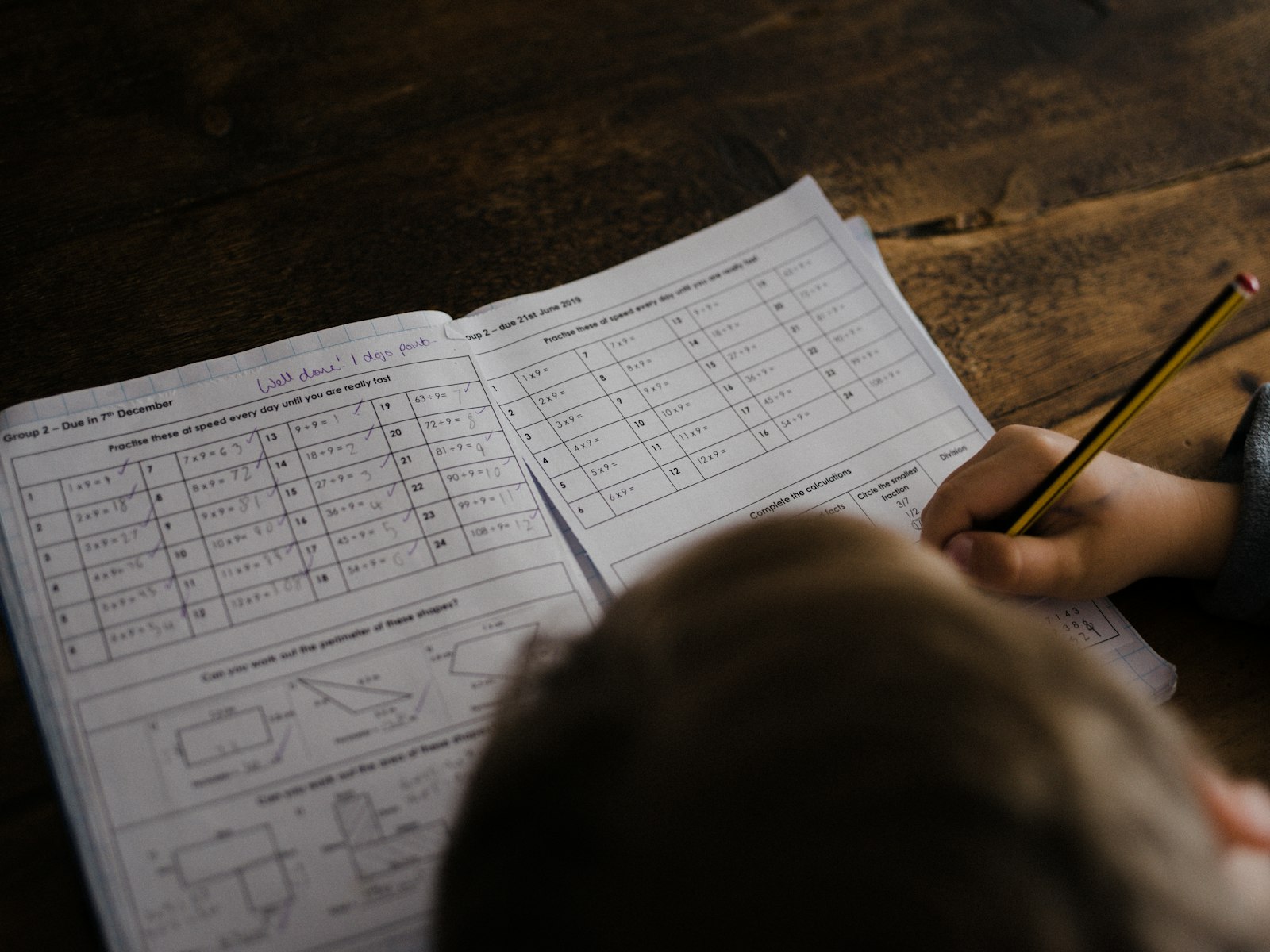
- Ask them to show you how they use ChatGPT for one subject.
- Agree on two rules together, for example "try first, then ask" and "no copying full answers".
- Explain the board-exam reality: in the exam hall there is no chatbot. Every shortcut now becomes a gap in March.
- Check in weekly, briefly. Ask, "What did you learn from it this week?" rather than "How much did you use it?"
Teenagers respond better to rules they helped make. Your role is to set the direction, not to watch every screen.
When to worry more
Look for these signs:
- Homework is always perfect, but test marks are dropping.
- Your child cannot explain answers they wrote.
- Late-night use is cutting into sleep.
If you see these, talk to the class teacher. Teachers can often tell from handwriting, class answers and unit tests where the gap is.
Class 9–10 vs Class 11–12: adjust the rules
Younger teens need more structure. For Class 9 and 10, keep AI use to shared spaces like the living room, and check one answer together each week. By Class 11 and 12, students juggling boards with JEE or NEET preparation can be given more freedom, because they need quick doubt-clearing late in the evening. Even then, keep the "try first" rule. Independence is earned by showing they can explain what they learned.
How SeekhoSmart helps your child learn, not just finish homework
The real risk with chatbots is getting answers without ever making the mistake. SeekhoSmart works the other way round. Your child first attempts NCERT-aligned practice questions, and only then sees an AI explanation of every answer, including the wrong ones, showing exactly where their thinking slipped. It is free to start.
For you, the adaptive daily plan and streaks show whether your child is practising every day, without you having to ask "Did you study?" ten times. A Hindi/English switch also helps if you want to sit together and follow along.
Padhai, ab smart tareeke se.
Try SeekhoSmart free with your child → seekhosmart.in
Frequently asked questions
Is ChatGPT free for students in India?+
ChatGPT has a free plan, and study mode works on it for logged-in users. The current '4 months free Plus' student offer is for college students at eligible US institutions, not school students in India.
Should students use ChatGPT for homework?+
Yes, if they try first and use it for hints, explanations and practice questions. No, if they paste questions and copy answers, because the board exam has no chatbot.
How do I set parental controls on ChatGPT?+
Go to Settings → Parental controls → Add family member, enter your teen's phone or email, and have them accept the invite. You can then set quiet hours and turn off some features. You cannot see their chats.
What is ChatGPT study mode?+
A mode that guides students step by step with questions and hints instead of giving the final answer. Choose 'Study and learn' from the tools menu to turn it on.
- SeekhoSmart (infographic)
- Vitaly Gariev / Unsplash
- Thomas Park / Unsplash
- Annie Spratt / Unsplash