On 30 September 2026, CBSE sent Circular No. 12/2026, "Promotion of Digital Payments in Schools", to the heads and managers of all affiliated schools. For a school owner or principal, it is a short circular with a fairly big agenda: digital payments at every fee counter, canteen and library, standard fee collection through BBPS, and awareness for teachers and parents.
This post explains what the circular asks for, what is advisory and what is practical. It ends with a 30-day plan you can run without disturbing the busy board-exam term.
What Circular 12/2026 says
The CBSE circular dated 30.09.2026 follows a communication from the Department of Financial Services (DFS), Ministry of Finance. DFS has prepared a Digital Payments Promotion Plan to expand access, increase usage and promote safe digital payment practices. The plan covers the education ecosystem, including schools, students and parents.
The circular advises schools to take measures under three heads.
1. Universal acceptance infrastructure
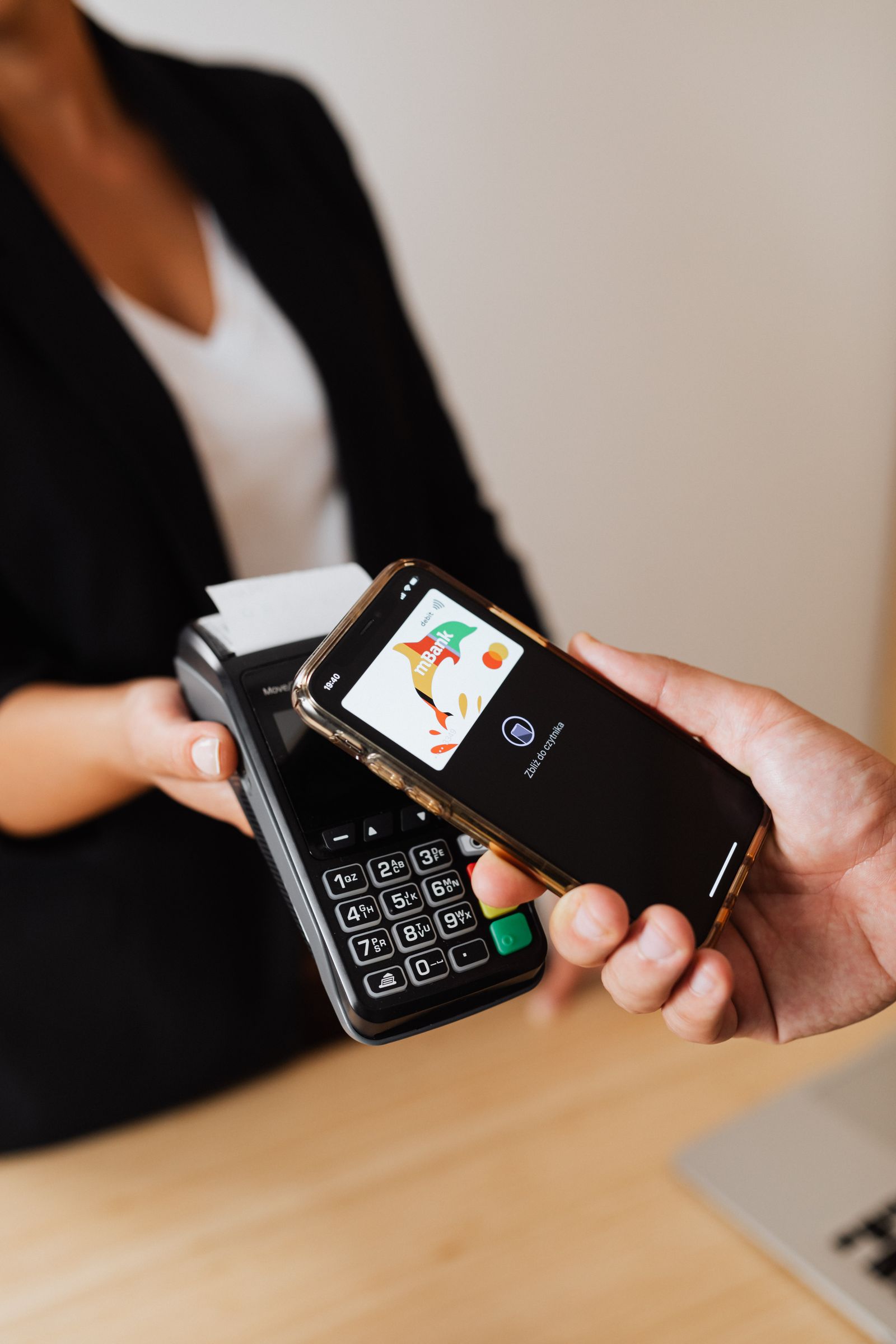
- Schools may enable digital payments, including UPI and RuPay cards, at all payment touch-points: fees, canteens, libraries and other services.
- Schools in low-connectivity areas may adopt UPI Lite, UPI LiteX and UPI 123PAY.
- Demonstrations and assisted-usage models may be promoted to make adoption easier.
2. BBPS integration for fee payments
- Schools may onboard onto the Bharat Bill Payment System (BBPS) for standardised, secure and interoperable fee collection.
- Schools may integrate with ERP systems to streamline recurring payments, including salary payments to staff.
3. Awareness and digital literacy
- Include digital payment awareness in teacher training programmes and school-level campaigns.
- Promote financial literacy modules that cover digital payments.
- Run awareness campaigns for parents on safe and convenient usage.
- Hold awareness drives on campus, at events and during parent–teacher interactions.
Note the wording: the circular says schools "may" and "are advised to". It is a promotion drive, not a hard deadline with penalties. Still, the direction is clear, and parents increasingly expect to pay school fees the way they pay every other bill.
Why it is worth acting now
- Less cash handling at the fee counter means fewer reconciliation errors and less risk for your accounts staff.
- Standard fee collection through BBPS means parents can pay from the apps they already use, and your receipts follow one format.
- One record of fees, canteen and library payments makes audits and affiliation paperwork easier.
- Parents' trust grows when every payment gets an instant digital receipt.
A 30-day action plan
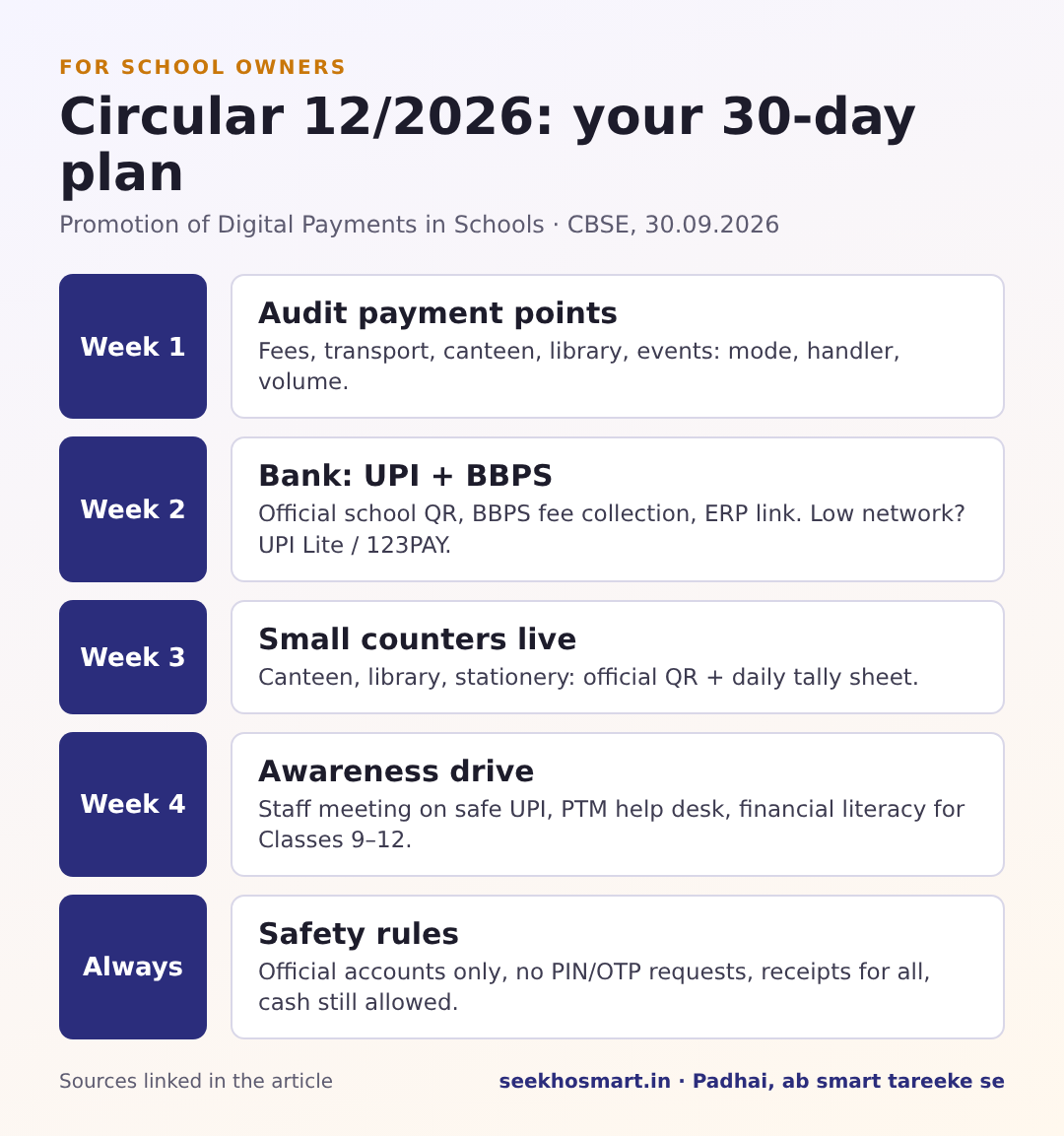
Week 1: Audit every payment point
List every place money changes hands: tuition fees, transport, exam fees, canteen, library fines, uniform and book sales, events. Note for each one:
- Is it cash, cheque, bank transfer or UPI today?
- Who handles it, and how is it recorded?
- How many transactions a month?
This one sheet shows you where to start. It is usually the fee counter and the canteen.
Week 2: Talk to your bank about UPI and BBPS
Ask your school's bank about:
- A UPI QR code in the school's name for each counter (not a staff member's personal number)
- BBPS onboarding for fee collection, and whether it can link to your current school ERP or fee software
- Charges, settlement time and how refunds work
If your school is in a low-network area, ask specifically about the UPI Lite and UPI 123PAY options named in the circular.
Week 3: Set up the small counters
The canteen, library and stationery counters are quick wins. Display the school's official QR code, train the person at the counter, and give each counter a simple daily tally sheet that matches UPI receipts against sales.
Week 4: Run awareness for teachers and parents
- Teachers: Spend 20 minutes in a staff meeting on safe UPI habits: never share a PIN or OTP, check the payee name before paying, and how school refunds work.
- Parents: At the next PTM, put up a small help desk where staff show parents how to pay fees through the new method. Send a one-page note in English and the local language.
- Students (Classes 9–12): Bring in digital payment safety through existing financial literacy or Commerce lessons, as the circular suggests.
Questions your accounts team will ask, with answers
- "Will this double our work during changeover?" For a few weeks, yes. Run digital and cash side by side, with one daily tally sheet per counter, and reconcile weekly rather than daily once the numbers match.
- "How do we handle fee refunds and concessions?" Agree on the refund route with your bank before you go live, and keep concessions in the fee software rather than adjusting amounts by hand at the counter.
- "What about salaries?" The circular mentions integrating ERP systems to streamline recurring payments, including staff salaries. If your payroll is already through bank transfer, start with fees and counters first.
Safety rules to put in writing
- Collect payments only through official school accounts, and publish the official UPI ID and QR code on the school website and fee circulars.
- Tell parents clearly that the school will never ask for a PIN or OTP by phone.
- Give every payment a receipt, digital or printed.
- Keep cash as an option for families who need it, at least during the changeover. Inclusion matters.
How SeekhoSmart fits a digital-first school
Moving fees and counters online is one part of a modern school. Many principals are also looking at how students practise and revise outside class, without new costs or new infrastructure. SeekhoSmart is built for that.
- NCERT-aligned practice for Classes 9–12 that runs on a phone, so students can revise between classes and at home.
- An adaptive daily study plan that gives each student a different plan based on their weak chapters. Teachers don't need to build plans for 40 students by hand.
- Free to start, so there is no upfront cost to try it with one section before deciding.
Padhai, ab smart tareeke se.
Try it for your school → seekhosmart.in
Frequently asked questions
Is the CBSE digital payments circular mandatory for schools?+
Circular 12/2026 uses advisory wording: schools 'are advised' and 'may' enable UPI/RuPay, onboard BBPS and run awareness. It is a promotion drive, not a penalty-backed rule.
What is BBPS for school fees payment?+
The Bharat Bill Payment System. The CBSE circular says schools may onboard onto BBPS for standardised, secure and interoperable fee collection.
What can schools in low-network areas use?+
The circular names UPI Lite, UPI LiteX and UPI 123PAY for low-connectivity areas.
Where should schools accept digital payments?+
At all payment touch-points: fees, canteens, libraries and other services, according to the circular.
- SeekhoSmart (infographic)
- Karola G / Pexels
- Tran Mau Tritam / Pexels
- Swastik Arora / Pexels